Digitise your school's admission process — accept applications online, review documents, and track every application from submission to approval.
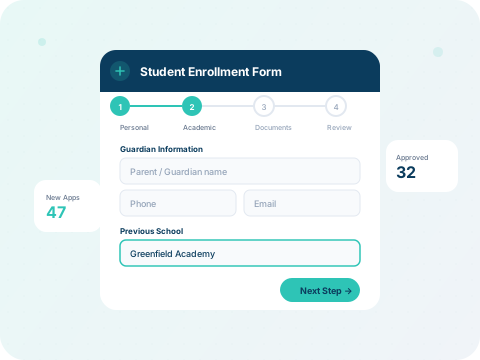
What you'll learn:
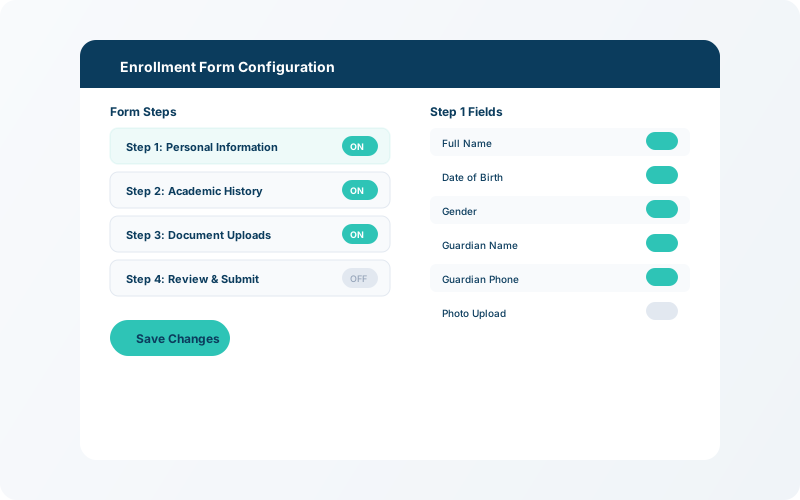
Navigate to Settings → Enrollment to customise the multi-step application form. You can add fields for personal information, guardian details, previous school records, and required document uploads.
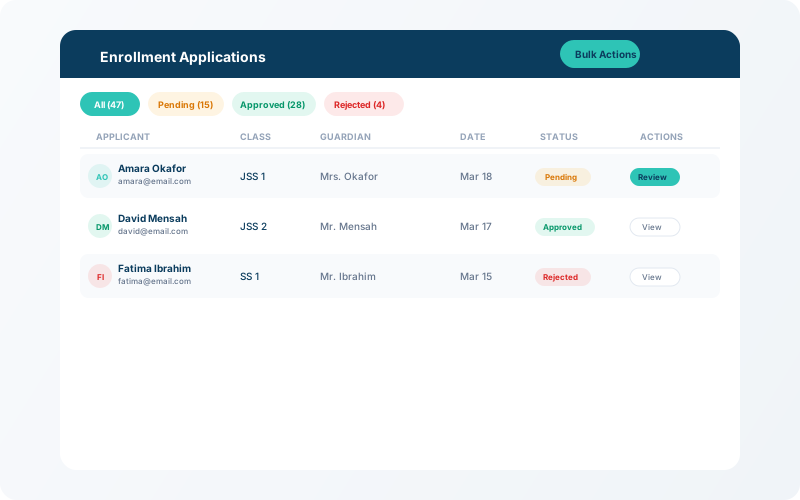
All submitted applications appear in the Enrollment → Applicationsqueue. Each entry shows the student's name, guardian info, submitted documents, and current status (pending, approved, or rejected).
💡 Tip
Use the bulk-action toolbar to approve or reject multiple applications at once — great for high-volume admission periods.
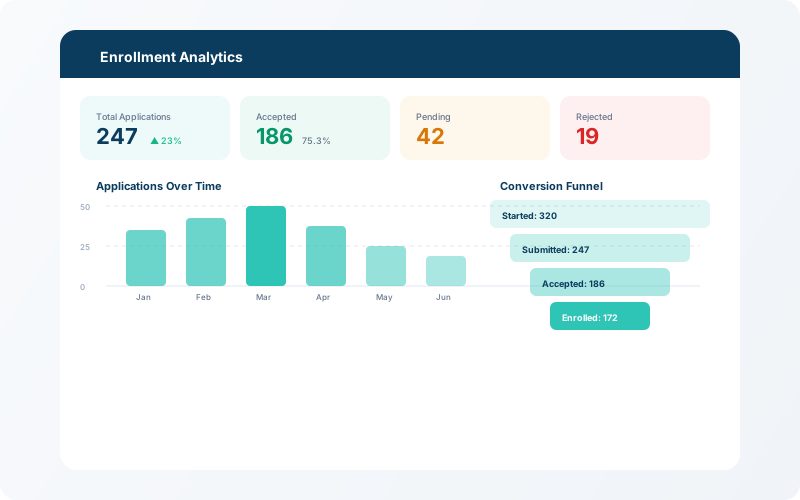
The enrollment dashboard shows real-time metrics: total applications, approval rate, pending reviews, and applications by class. Use this to forecast enrolment numbers and plan staffing.