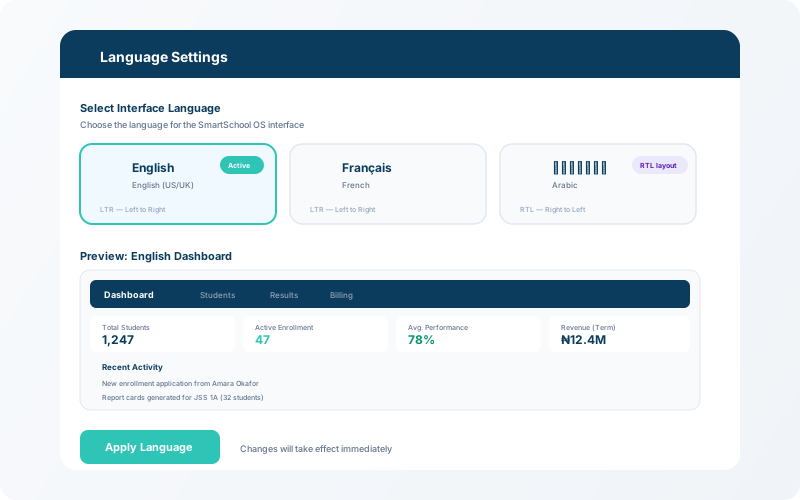
SmartSchool OS supports English, French, and Arabic (with full RTL layout). The mobile app works offline and syncs automatically when connectivity returns.

What you'll learn:
Use the language selector at the bottom of the sidebar (or in the mobile app settings) to switch between English, Français, and العربية. The entire UI updates instantly — labels, buttons, navigation, and system messages.
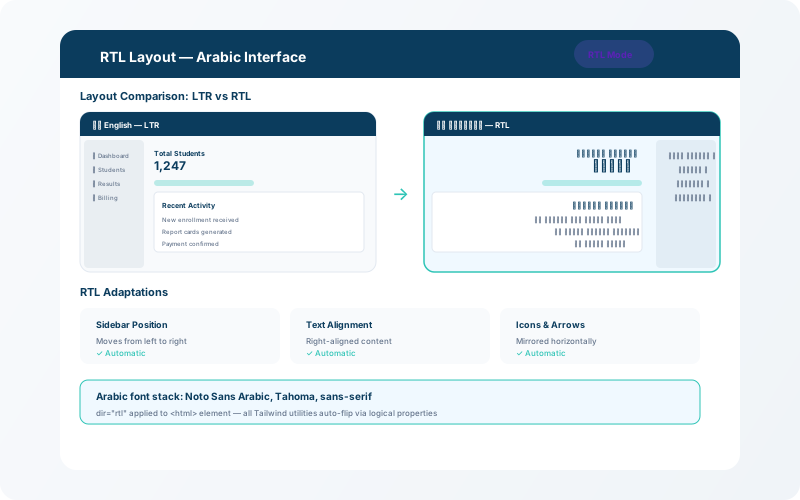
When Arabic is selected, the layout automatically flips to right-to-left (RTL). Navigation moves to the right, text aligns right, and all UI elements mirror correctly. No additional configuration is needed.
💡 Tip
RTL support extends to all modules — timetable, LMS, library, and HR all render correctly in Arabic.
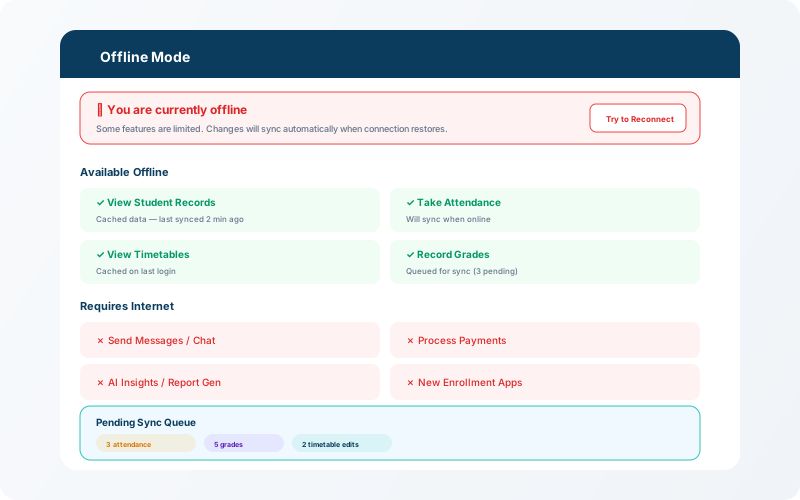
The SmartSchool OS mobile app caches essential data locally. When internet connectivity is lost, teachers can still take attendance, view student profiles, and access cached timetables. Changes are queued and automatically synced when the device reconnects.