Catalogue every book in your school library, manage checkouts and returns, and keep track of overdue items — all digitally.
What you'll learn:
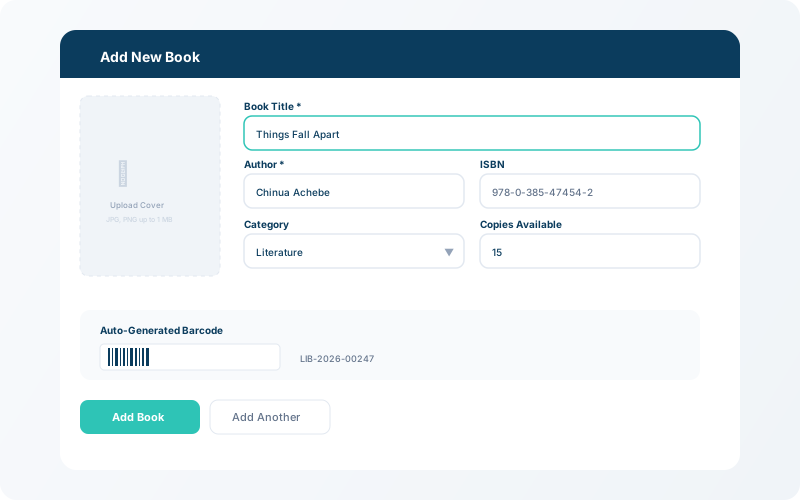
Go to Library → Add Book. Enter the title, author, ISBN, category, and number of copies. Books are instantly searchable once added.
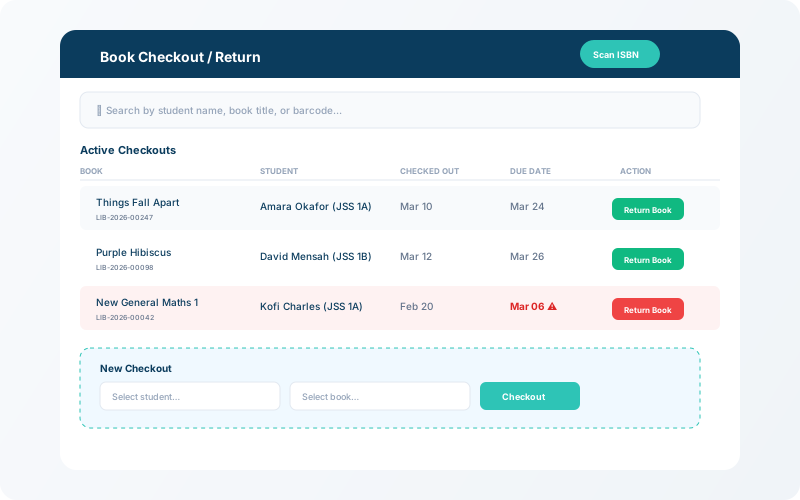
To check out a book, search for the student, select the book, and confirm the loan. The due date is automatically calculated. Returns are processed with a single click.
💡 Tip
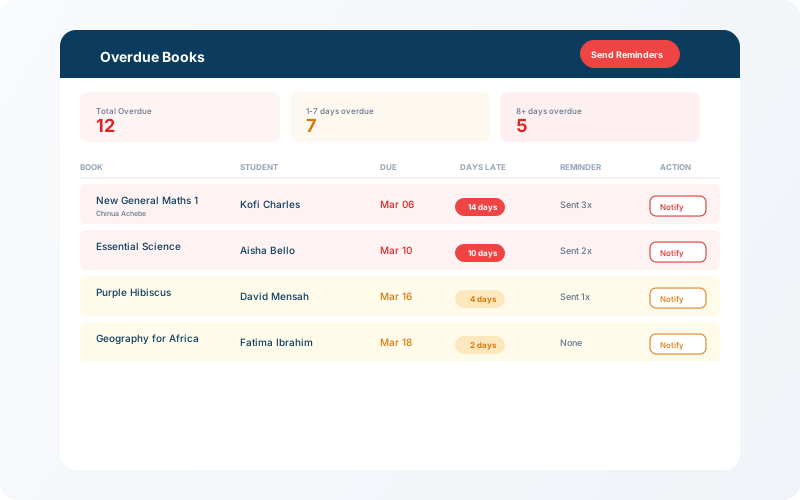
The system sends automatic overdue reminders to students and parents via in-app notifications.
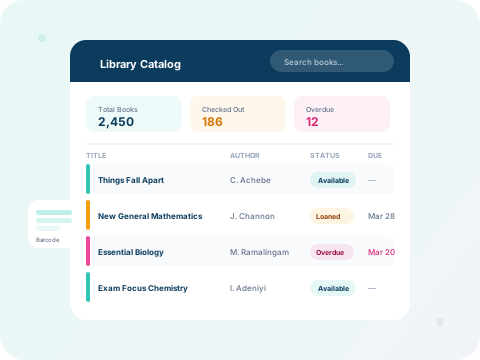
The library dashboard highlights overdue books with the number of days past due. Use the search bar (with 300ms debounce) to find any book by title, author, or ISBN.