Create weekly timetables for every class with drag-and-drop, automatic conflict detection, and instant publishing.
What you'll learn:
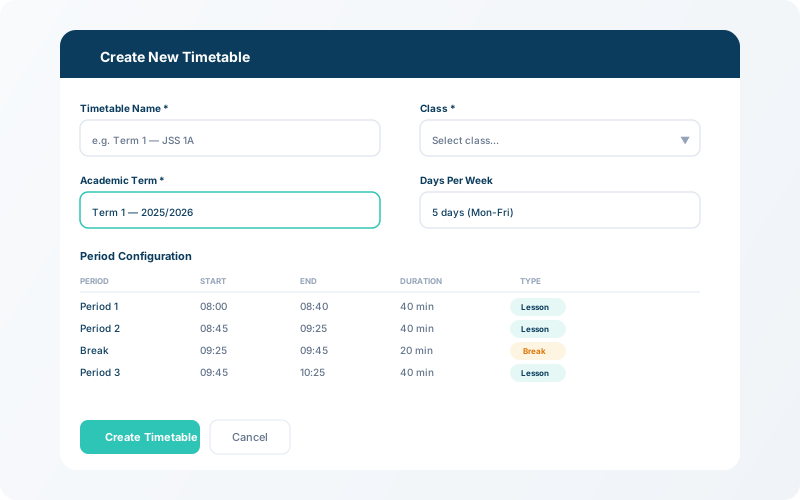
Navigate to Timetable → New Timetable. Select the class, choose the term/session, and set the daily time range (e.g., 8:00 AM – 2:00 PM).
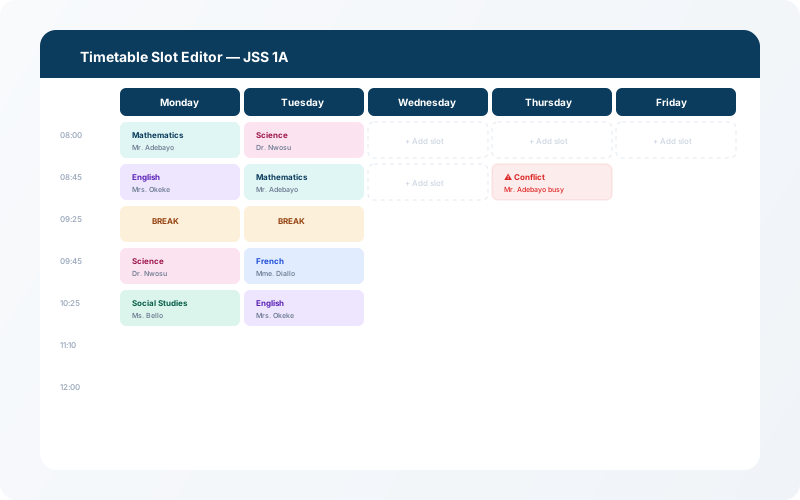
Click on any empty slot in the weekly grid to add a class period. Choose the subject and assigned teacher. The system will automatically highlight conflicts if a teacher is double-booked.
💡 Tip
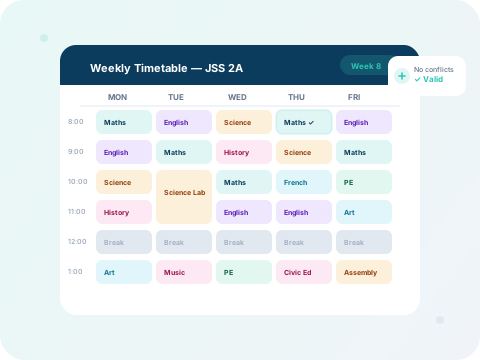
Subjects are colour-coded automatically — making it easy to spot distribution imbalances at a glance.
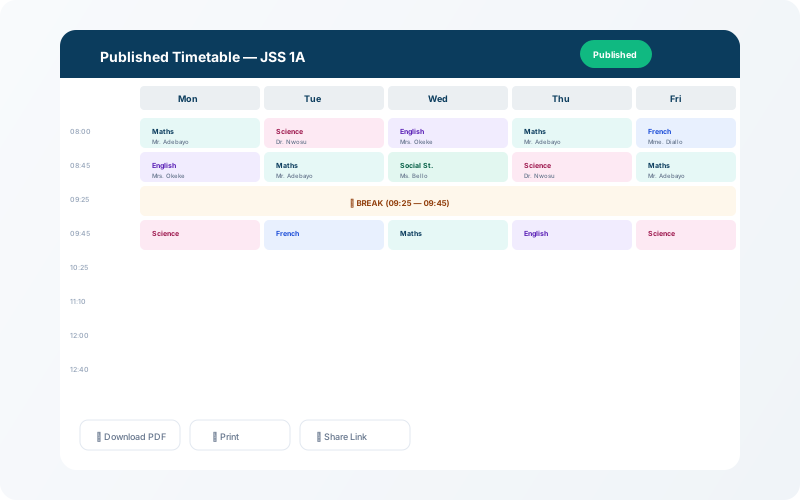
Once your timetable is complete and conflict-free, click Publish. Students and teachers will see the schedule immediately in their dashboards. You can also export a printable PDF version.