SmartSchool OS includes a built-in browser so students and teachers can access educational websites, search engines, and research tools without leaving the platform.
Key features:
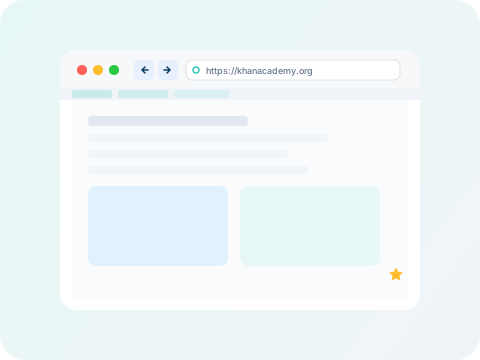
Click Browserin the sidebar to open the in-app browser. You'll see a familiar URL bar at the top, navigation buttons (back, forward, refresh), and your bookmarks bar below.
Type any URL in the address bar and press Enter to navigate. The browser supports standard navigation: back, forward, refresh, and home. Pages load inside an isolated iframe — your SmartSchool session remains active in the dashboard around it.
Students
Research assignments and access educational resources.
Teachers
Reference lesson materials and access teaching tools.
Admins
Access vendor portals and administrative tools.
All roles
Any role with browser permission in their dashboard.