Your workspace is the foundation of everything in SmartSchool OS. Get your school profile, calendar, and class structure right from the start.
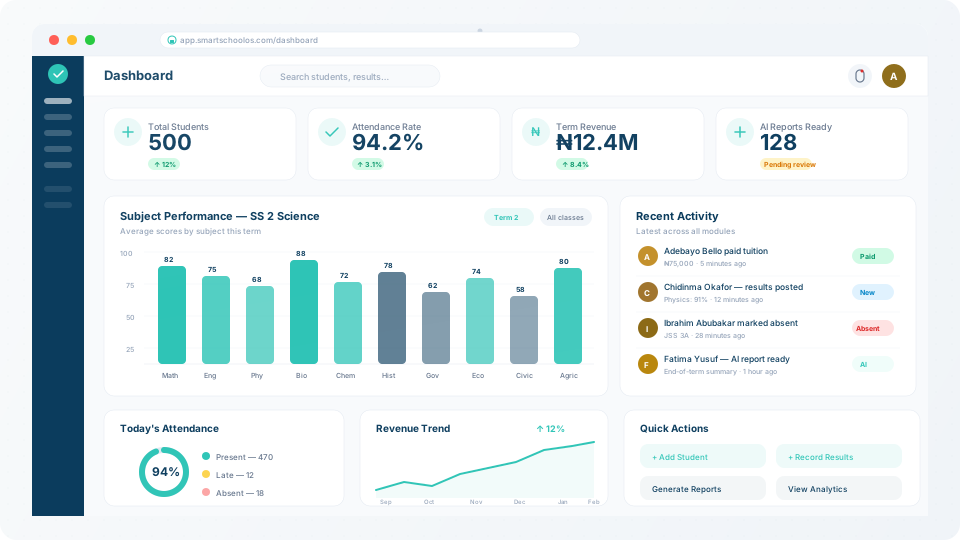
Your workspace profile includes your school name, logo, address, and contact email. This branding is applied across report cards, parent notifications, and all exported documents.
💡 Tip
Your logo and school name appear on every report card PDF. Make sure to use a high-resolution image.
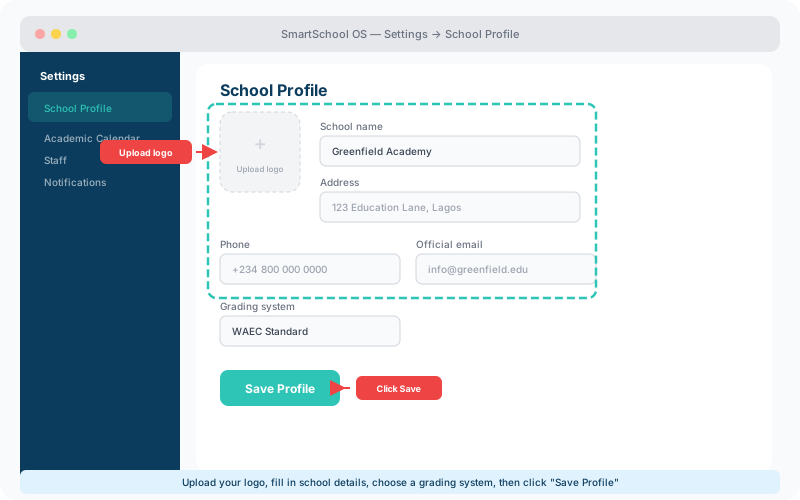
Define your academic year structure — sessions, terms, and holidays. SmartSchool OS uses this calendar to scope exams, attendance records, and analytics dashboards automatically.
Sessions
The full academic year (e.g. 2025/2026). Create future sessions in advance.
Terms
Typically 3 per session. Each has start/end dates. Terms scope all data.
Holidays
Mark public holidays and mid-term breaks. Attendance auto-skips these dates.
Assessment windows
CA, mid-term, and final exams — each with configurable weight.
Create departments (e.g. Sciences, Humanities, Commercial) and assign classes under them. Each class can have multiple sections, streams, or arms to match your school's structure.
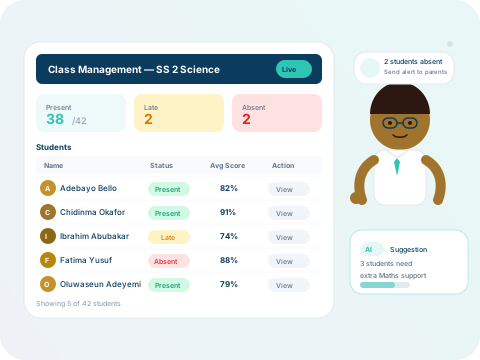
Classes are the primary organising unit. Once created, you can assign a form teacher, link subjects, and enrol students — all from the class settings panel.
Tailor SmartSchool OS to your school's exact needs:
⚠️ Multi-campus note
All customisation is per-workspace. Multi-campus deployments can tailor settings independently for each branch.