Go from zero to a fully configured school workspace in under 10 minutes. This guide walks you through every step.
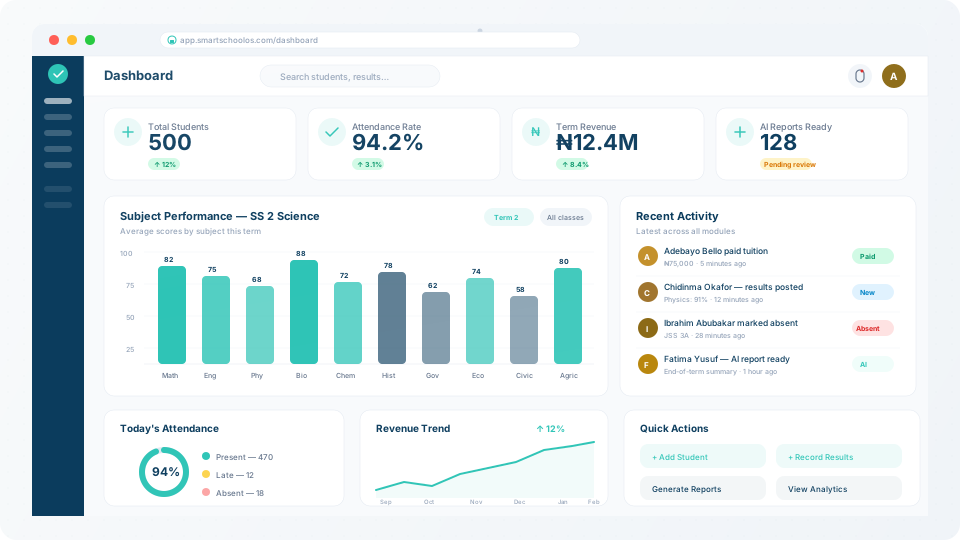
What you'll set up in this guide:
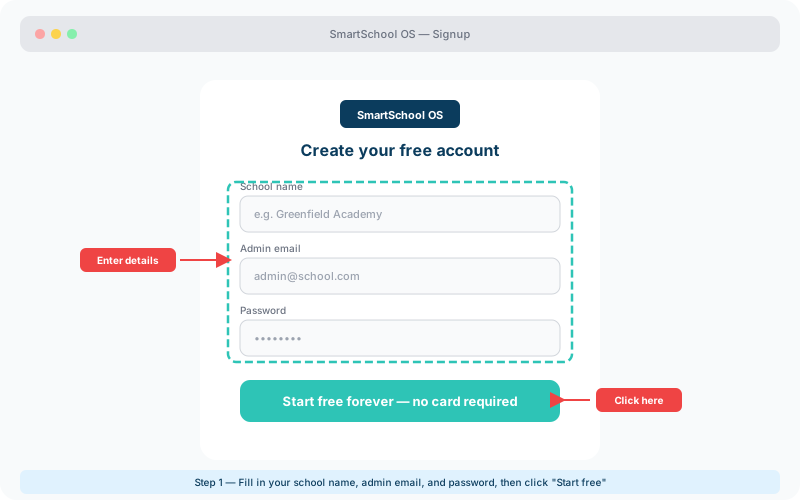
Head to the signup page and create your free SmartSchool OS account. You'll need your school name, email address, and a password. The onboarding wizard launches immediately after signup.
💡 Tip
Your first 14 days include full access to all features — no credit card required.
Once logged in, the setup wizard walks you through your school profile. Configure your logo, address, contact details, and academic calendar. This branding appears on report cards, parent notifications, and all exported documents.
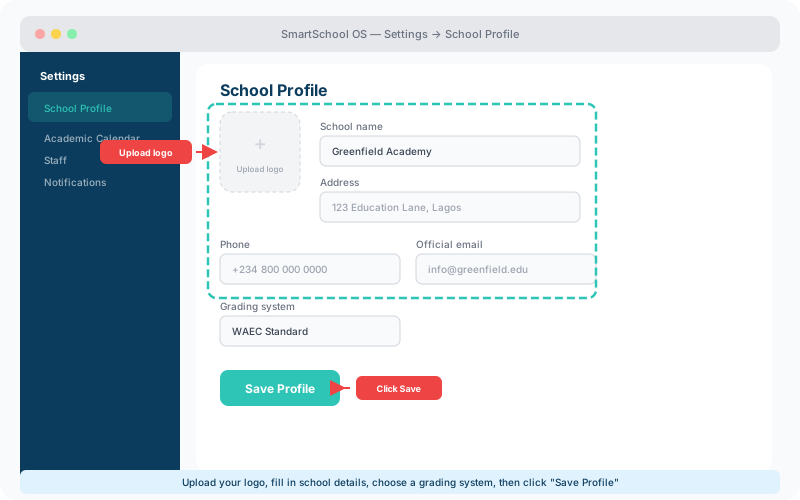
Define your term structure (typically 3 terms per academic year in Nigerian schools), set term start/end dates, and configure your grading scale. SmartSchool OS supports WAEC, NECO, and custom grading systems out of the box.
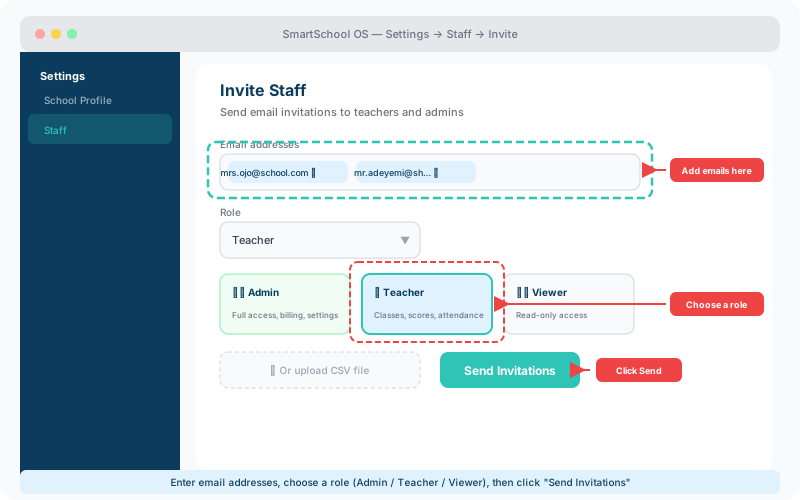
Navigate to Settings → Staff → Invite and send email invitations. Each staff member gets a role that controls their access level:
Admin
Full access to billing, settings, and all modules
Teacher
Class management, score entry, and report tools
Viewer
Read-only access to dashboards and reports
⚠️ Note
Only Admins can manage billing and storage settings. Assign this role carefully.
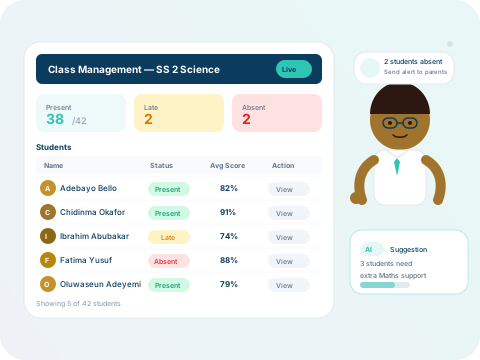
Add your first students, create class groups, and configure your first exam period. The platform guides you through each step with inline help tooltips and progress indicators.
Your workspace is ready! Explore the detailed guides below to master each module: