Every plan includes cloud storage for report cards, student photos, exam papers, and exports. Manage usage, clean up old files, and upgrade when you need more.
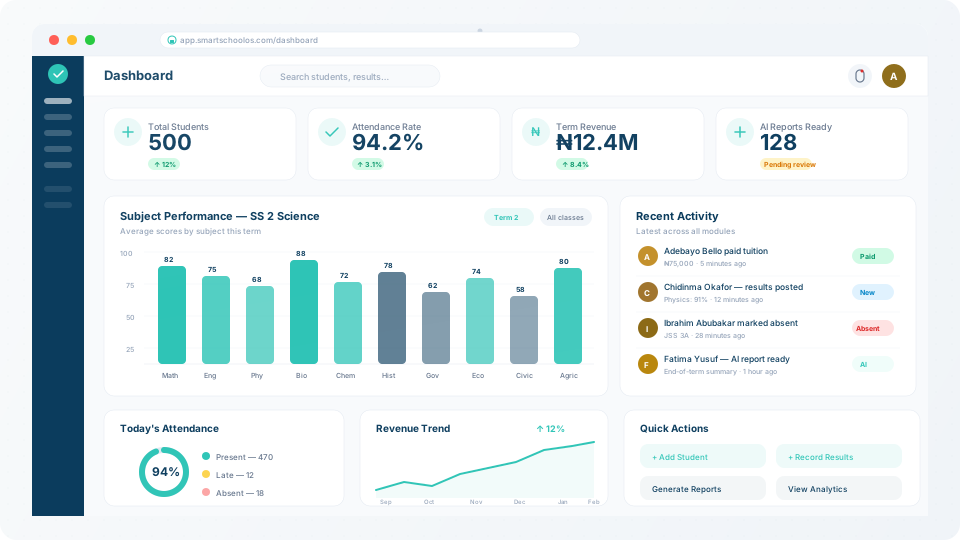
Your dashboard shows a storage bar with current usage vs. your plan limit. Usage is updated in real-time as files are generated or uploaded.
5 GB
Starter
Small schools (< 200 students)
25 GB
Growth
Medium schools (200–500 students)
100 GB
Enterprise
Large or multi-campus schools
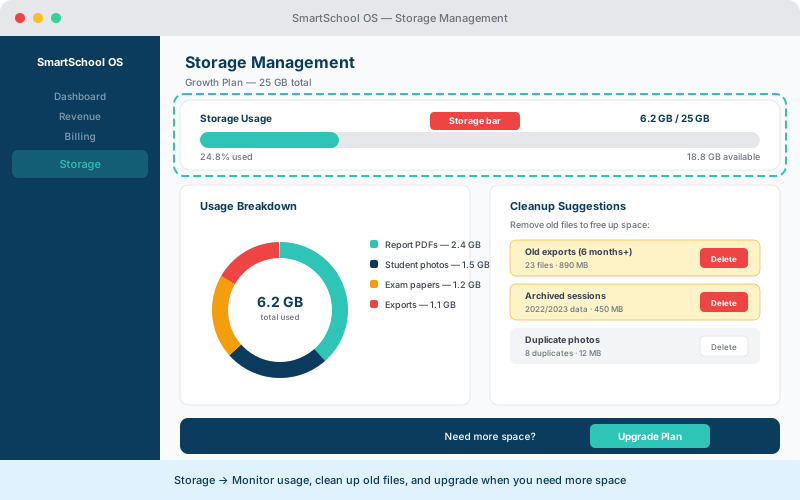
The following file types consume your storage quota:
| File type | Typical size |
|---|---|
| Report card PDFs | ~200 KB each |
| Student photos | ~300 KB each |
| Exam papers (uploaded) | 1–5 MB each |
| Exported analytics CSVs | ~50 KB each |
From the Storage panel, review your largest files and free up space:
💡 Tip
Published report cards sent to parents are never auto-deleted. Only drafts and exports can be cleaned up.
When you approach your limit, upgrade to a higher plan from Billing → Upgrade. Upgrades are instant and prorated — you only pay the difference for the remainder of your billing cycle.
⚠️ Warning
If you exceed your storage limit, new file uploads and report generation are paused until you free up space or upgrade.